NZXT Vulcan Overview
After opening the box and making sure everything was accounted for I really got the opportunity to 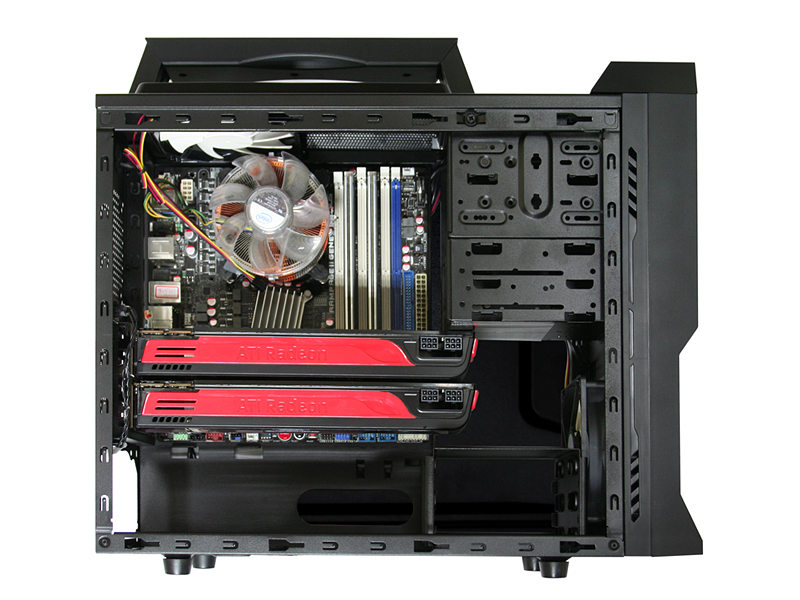 look at the case and I was impressed. It had a nice clean finish inside and out. All of the cables were black to match the case and the fans both had white blades that just made the case look slick. The mesh on the side panel and drive bays are very sturdy and not flimsy like I was expecting.
The first thing I did was install the optional carrying handle. This was super easy just 4 screws and it was ready to go. The handle was comfortable and looked real sweet. Then I was ready to install may internal components, but when I went to take the two side panels off I discovered there were no handles or even bent pull outs for you to hold onto. This does make pulling the sides off a little difficult and seems like a small oversight on NZXT’s part.
The case comes with one orange LED fan and one non-LED fan and I added two more 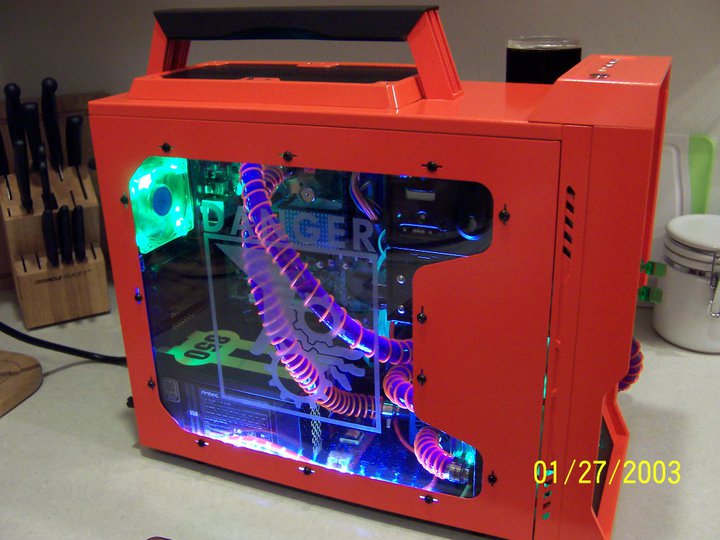 120mm fans in my case for a total of four. I also used the fan controller that is integrated into the case. I originally wanted to use an additional orange fan like the one that comes with the case but to my surprise NZXT doesn’t sell it by itself. That being said, I think NZXT should have included two orange led fans instead of only one. The port on the left side for a 200mm fan doesn’t support all fans so be careful!
NZXT only guarantees that their fan will fit. The Thermaltake 200mm fan I had didn’t fit so if you would like to us a 200mm fan I would advise purchasing the NZXT fan.
My motherboard installed fine, however the cut out on the back that is meant to make it so you can install your fan while the board is in the case wasn’t big enough to accommodate the socket 775 bracket I was using. So I had to take the board out to mount my bracket.
The 850watt PSU installed with no trouble and there was plenty of room for a large PSU. There is ventilation at the bottom for it with a dust cover which is nice. The ventilation holes at the bottom could be larger for better airflow, but it isn’t a major problem.
The case it made to accommodate at least a 350mm video card but when I installed my slightly older 4850x2 it would not fit due to a heat sink on the top of the card. However I have never seen another card with a heat sink on the back so I didn’t hold it against the case too much. Just be aware that if you have a 4850x2 it will not fit unless you put it in your bottom PCI-E port and will not be able to use crossfire and if you don’t have 2 PCI-E slots you will need a different card. On the up side though it gave me a good reason to get a 5970 which fit flawlessly.
All of the other components fit inside perfectly and cable management was nice and easy. If you install allot extra components like cathodes of fans as I do, cable management can become a little more difficult but for the average user you should have no trouble routing everything.